
AI-Powered Arcade Companion
Enable a local 2P smart partner right in your browserFor select arcade games, you can now enable a local AI companion directly in your browser. It joins the game as a 2P teammate or practice opponent, acting according to game-specific strategies. No login or extra downloads required.
Games with AI Companion Support
The following games have been configured with custom AI strategies. Once you've started the game and entered as 1P, simply press the '2' key on your keyboard to activate the 2P AI.
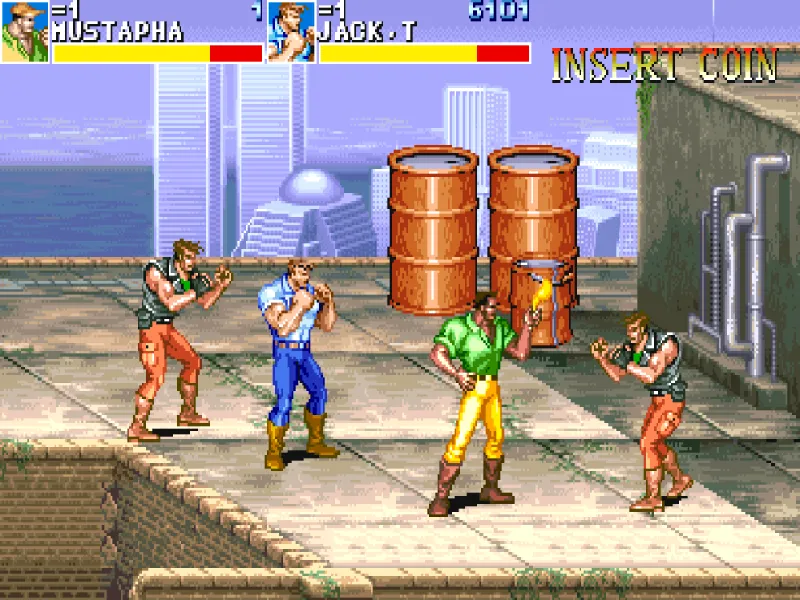
Cadillacs and Dinosaurs
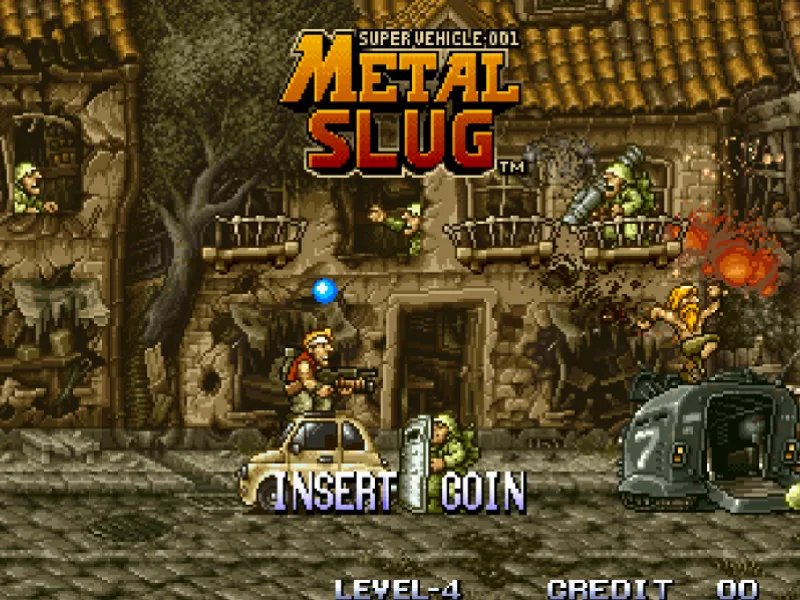
Metal Slug
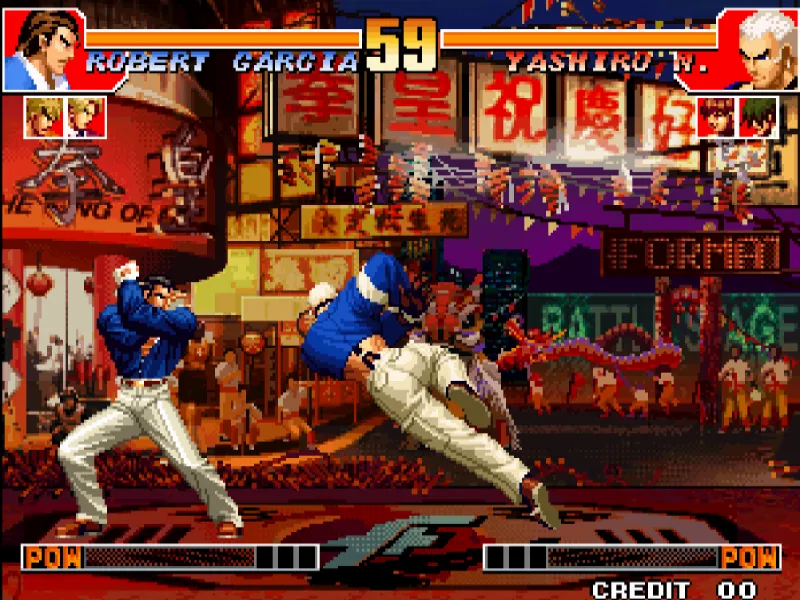
The King of Fighters '97
AI Companion is not online multiplayer: It's a local 2P partner
The AI companion runs directly within your browser's emulator session. It does not replace your 1P input, nor does it connect to human-player rooms. Once activated, the AI only injects inputs into the 2P channel, making it ideal for solo co-op, practice, or experiencing two-player gameplay.
Runs Locally
Fixed 2P Role
You always control P1; the AI joins as P2, ensuring it never interferes with your controls.
Game-Specific Adaptation
Three Steps to Start AI Companion
This feature is only available for games with the AI companion prompt. Start as 1P first, then use the shortcut to avoid accidental activation on title screens or character selection menus.
Launch Game
Enter a game that supports AI companion, and complete the 1P coin-in, start, or character selection.
Press Number 2
Press the '2' key on your keyboard during gameplay, and the AI will attempt to join automatically as 2P.
Keep Playing
You remain in control of 1P; the AI will act according to the game's specific strategy.
Different games, different companion styles
Arcade games differ significantly in characters, controls, and level design. We don't use a one-size-fits-all bot; instead, we configure tailored 2P behaviors for each game.
Synchronized Companion
Ideal for run-and-gun games: The AI can mirror or follow P1's basic actions, allowing a second player to join the action instantly.
Co-op Support
Rule-based Combat
Know these limitations before use
Not supported by all games
Experimental feature
Does not control P1
The AI only uses the 2P input channel; turning off the AI releases any 2P inputs it was holding.
Not online multiplayer
AI companion does not provide cross-device human synchronization. For true two-player local play, you can use local 2P key bindings or controllers.
FAQ
What is the AI companion?
It is a local 2P bot running within your browser's emulator session. It assists with co-op, mirrors actions, or acts as a practice opponent based on game-specific rules, without ever taking over your 1P controls.
How do I enable the AI companion?
After launching a supported game, start as 1P, then press the 2 key on your keyboard while in the game. The AI will attempt to insert a coin, start, and join as 2P.
Do all arcade games support AI?
No. AI strategies must be individually adapted for each ROM, core, control scheme, and playstyle. Only games listed on this page with the AI companion prompt are supported.
Will the AI affect my 1P controls?
No. The AI only sends inputs to the 2P channel; your 1P movement, action buttons, and game pacing remain entirely under your control. Once the AI is turned off, its automatic inputs stop immediately.